

Insights
TCP/IP stack: what the layers do and how data moves
Learn the four TCP/IP layers, follow an HTTP request through the stack, and see why reliable delivery isn't proof of privacy.
On this page
The TCP/IP stackOpens in a new tab is the set of protocol layers that devices use to send and receive data across networks. Its four main layers are application, transport, internet and link. TCP means Transmission Control Protocol, and IP means Internet Protocol.
In short:
- Four main layers. Application, transport, internet and link each handle a different part of communication.
- TCP or UDP. Both are transport protocols within the TCP/IP suite.
- Reliability isn't privacy. TCP's delivery service doesn't prove that content is encrypted.
What each layer does
The four-layer modelOpens in a new tab divides communication into jobs, from application messages to transmission over a local link.
| Stack layer | Main job | Protocol examples |
|---|---|---|
| Application layer | Exchange application messages | Hypertext Transfer Protocol (HTTP) |
| Transport layer | Carry data between applications | TCP, User Datagram Protocol (UDP) |
| Internet layer | Address and route packets | IP |
| Link layer | Carry frames across a local link | Ethernet |
A protocol is a set of rules for communication. The word stack can also mean the software that implements these protocol layers on a device.
Five-layer teaching modelsOpens in a new tab separate physical transmission from the link layer. That's a different way to divide the model, not a different protocol suite.
Follow a web request through the layers
For this example, you're sending an HTTP request using TCP, IP and Ethernet. This is an illustrative protocol combination, not a rule for every browser connection.
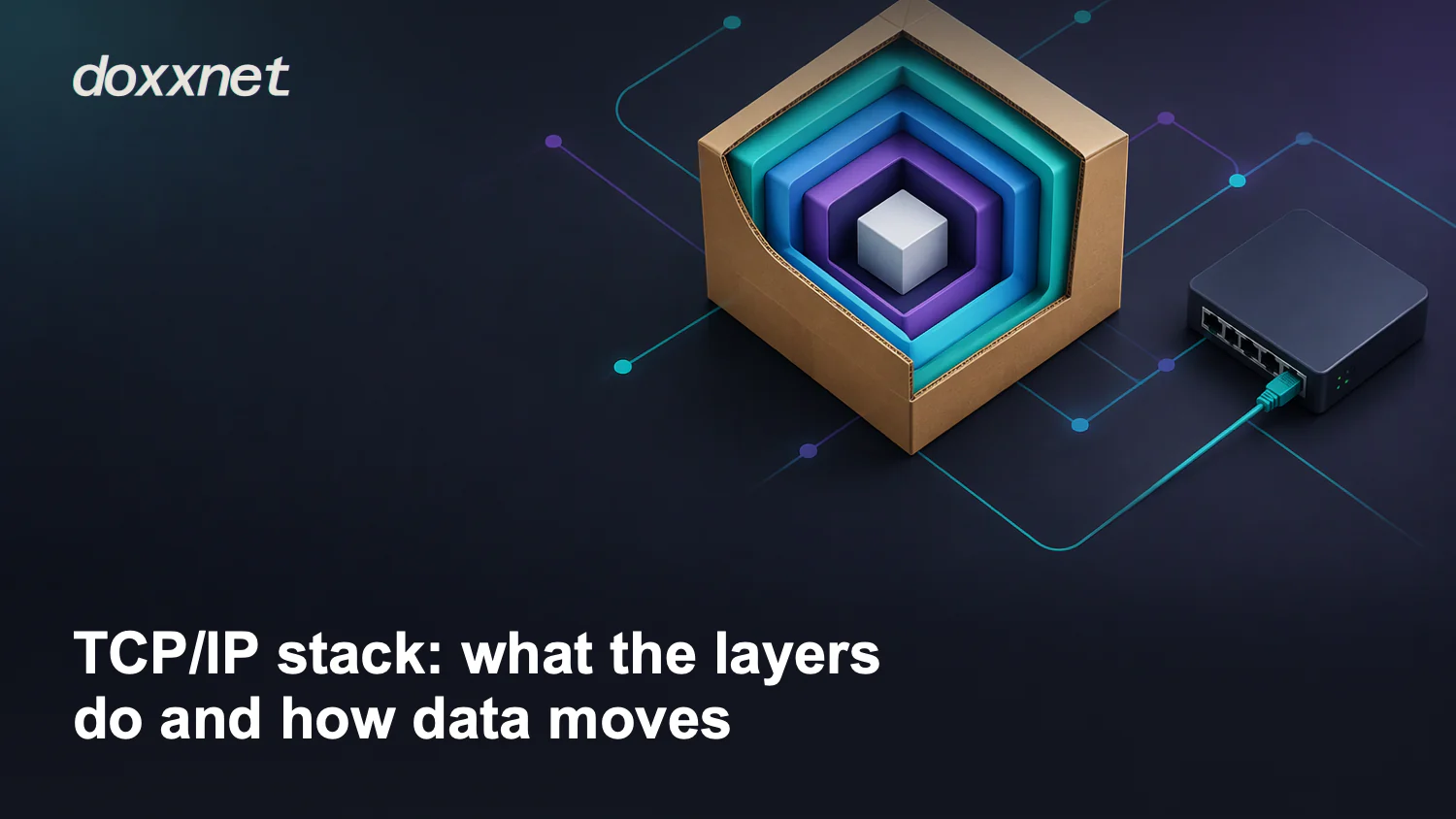
The application creates the HTTP request data. TCP treats that data as part of a byte stream and splits the stream into segmentsOpens in a new tab. Each segment travels inside an IP packet, which travels inside an Ethernet frame on the illustrated local link.
Ethernet frame                         Link layer
└── IP packet                          Internet layer
    └── TCP segment                    Transport layer
        └── Part of the HTTP request   Application layer
Putting one layer's data inside another layer's container is called encapsulation. The diagram shows a portion of the request, not a promise that the whole request fits in a single packet.
TCP's source and destination ports belong to the transport layer and identify the communicating application endpoints. IP adds source and destination IP addresses, and routers use the destination address to choose a route. Ethernet frames carry the IP packets across the local link, not across the entire route as one unchanged frame.
At the receiving device, processing moves up the stack in reverse order. The link layer passes the IP packet upward, and the internet layer passes its TCP segment to the transport layer. TCP provides the received bytes to the application, which reads the HTTP request.
How TCP and UDP differ
TCP is one transport protocol in the TCP/IP suite, not another name for the whole stack. UDP is another transport choice within the same suite.
A byte stream is a sequence of bytes, without separate application message boundaries supplied by TCPOpens in a new tab. A datagram is a separate message carried by UDP.
These differences matter when an application needs ordered delivery or must handle missing data itself.
| Service detail | TCP transport | UDP transport |
|---|---|---|
| Data service | Reliable byte stream | Separate datagrams |
| Data ordering | Preserves byte order | No ordering guarantee |
| Delivery recovery | Retransmits unacknowledged data | No built-in delivery recovery |
IP supplies best-effort packet delivery for both protocols. Best effort means arrival isn't guaranteed, so applications need another way to handle loss when reliable delivery matters.
TCP supplies that reliability as part of its transport service. Applications using UDP can add their own reliability, so UDP doesn't mean an application must accept lost data. Check the application's design instead of assuming UDP is always faster or unsuitable for reliable communication.
TCP's reliability isn't a promise that every transfer will finish. It describes how TCP handles delivery, not a guarantee that the connection will remain available.
Don't confuse delivery with privacy
Keep two questions separate: which layers carry your data, and which documented control protects it? TCP itself has no built-in encryptionOpens in a new tab, so successful delivery isn't proof of encrypted content. Applications use protections such as TLS, or a protected network path, separately from TCP's reliable delivery service.
In the web-request example, naming HTTP, TCP, IP and Ethernet explains how the request moves. It doesn't identify a privacy control. Before treating a working connection as private, check documentation that states what protection is applied to your communication.
For studying the stack, Wireshark captures packets and lets you examine protocol structure. Its TLS documentationOpens in a new tab explains that decrypting TLS traffic requires appropriate secrets; a packet capture alone doesn't make the encrypted content readable. Use the layer model to understand delivery, and check the documented protection separately.
For a connection that isn't working, use the separate network connectivity checksOpens in a new tab to inspect the local link, addressing, DNS and application access.