
Insights
Mesh VPN: how private devices connect
Learn how mesh VPNs connect devices, coordinate access and use relays, plus what to check for private connections and internet routing.
On this page
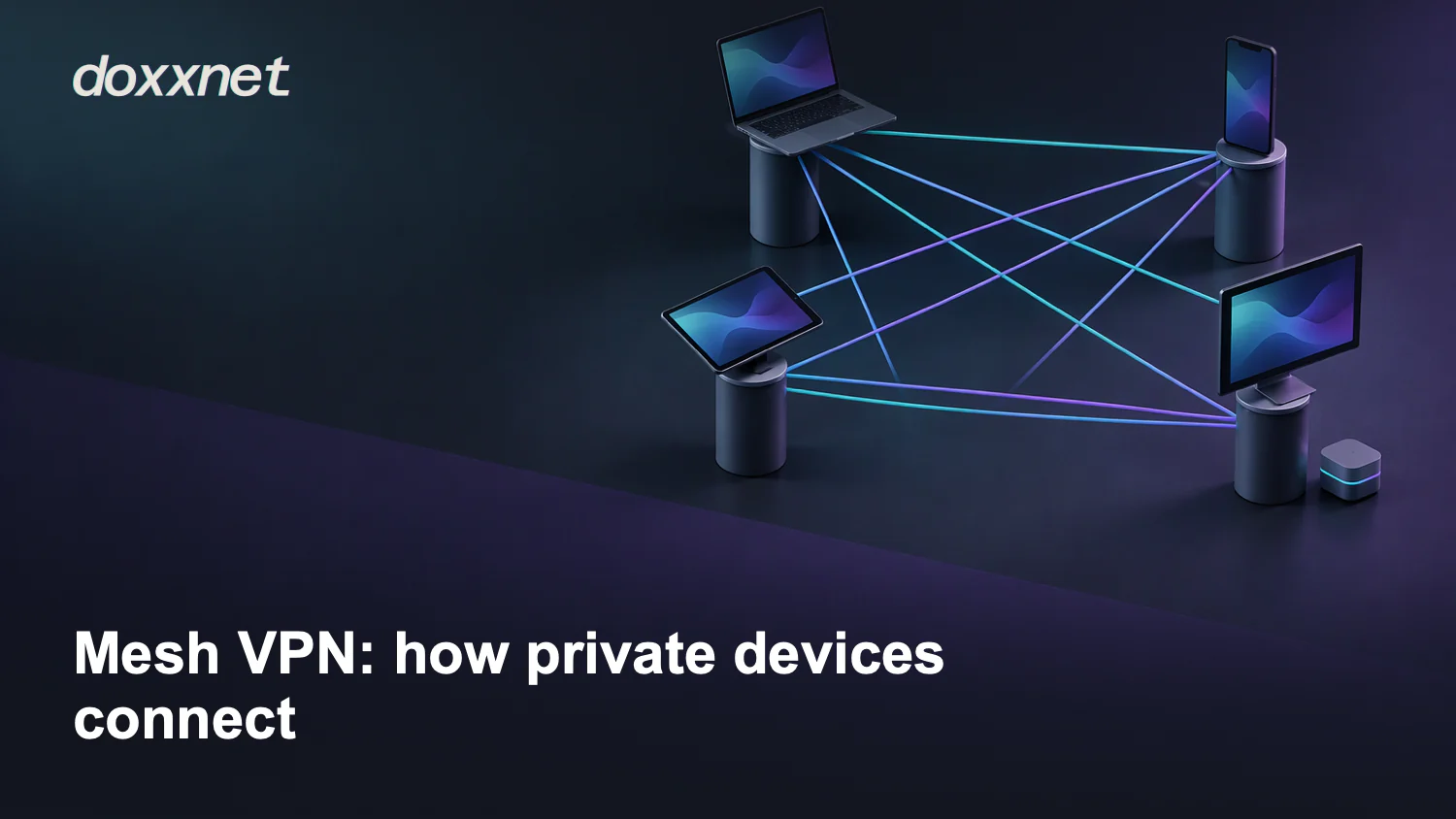
A mesh VPN, or virtual private network, connects devices across different locations through an encrypted overlay, a virtual network built on another network. In a peer-to-peer design, your devices send traffic directly to each other when possible, instead of through one central gateway. A control service coordinates membership and connection details.
In short:
- Direct when possible. Peer-to-peer connections use direct paths, with relays available when needed.
- Coordination stays separate. The control service manages the details devices need to connect.
- Check the meaning. Mesh can describe links between your devices or between provider locations.
How your devices find and connect to each other
A node is a participating device, such as your laptop or server. The control plane handles coordination, including connection details and access policy. The data plane carries traffic between devices.
Hypothetical example: you want your laptop to reach an application on your home server. Both devices join your chosen private network through its enrollment process. Netmaker describes hosts registering with public keys, ports and endpoints, the network locations where they can be reached. These details help the system arrange connections between participating devices.
In the Tailscale model described by the security guide, a coordination server distributes public node keys, assigns addresses and sends access policy. WireGuard is the protocol used for the data plane, not the product that handles membership and policy. If the policy permits your laptop to reach the server application, the devices can carry encrypted traffic over the available path. Enrollment makes the device a participant, but it doesn't mean every service must be reachable.
Why mesh doesn't always mean a direct connection
A direct endpoint connection carries traffic from your device to the destination without a relay. Network address translation (NAT), which maps addresses between networks, and firewall rules can make that path harder to set up. Their presence alone doesn't tell you whether a relay will be needed.
The security guide describes Tailscale sending traffic peer to peer where possible and through relays where not. A relay adds an intermediary to the traffic path. That detour may affect performance, but it doesn't establish a fixed speed penalty for your connection. You need to check the actual route instead of assuming every connection is direct.
CloudConnexa's full-mesh documentationOpens in a new tab uses the term differently: its provider locations, called points of presence (PoPs), form the mesh. Connecting to one location gives direct and indirect routes to applications and devices connected at other locations. This describes links within the provider's core network, not necessarily direct links between your endpoints. A mesh label also doesn't promise that every device forwards other devices' traffic or replaces a failed destination.
Which traffic goes through the private network
A private overlay connects participating devices. An exit node carries your public internet traffic, as the security guide describes, when that routing feature is configured. Changing your internet exit route isn't proof of anonymity or protection from every tracking method.
Use the destination of your traffic to separate these three networking jobs.
| Your goal | Traffic destination | Routing check |
|---|---|---|
| Connect private devices | Participating devices and services | Endpoint paths and relay fallback |
| Route internet traffic | Public websites and services | Exit-node support and selection |
| Use a router VPN client | Configured VPN service | Covered devices and traffic rules |
Mesh Wi-Fi extends wireless coverage through linked access points. It's a different concept from a private overlay connecting devices across locations. TP-Link's Deco guidanceOpens in a new tab describes a VPN client for connecting to a VPN service provider and a VPN server for reaching your home network remotely. It also describes router-level VPN coverage without installing VPN software on each device.
These roles can overlap in one setup, but you should check them separately. A working private connection to your server doesn't prove that your browser uses an exit node. Likewise, connecting your home router to a VPN service doesn't by itself establish a peer-to-peer network between your remote devices.
What to check before you connect your devices
Start with your intended destination, the devices that need access and the services they should reach. If you need private device access, check whether the product connects endpoints directly or connects them through provider locations. If you need public internet routing, check the documented exit route separately. Don't treat the word mesh as an answer to either question.
Check current primary documentation for compatible clients, how devices join and leave, and relay fallback. Find out what happens when a direct path isn't available. For browsing, also check how you select the internet route and which traffic it covers. Treat undocumented behavior as a question to resolve, not proof that a feature is absent.
For the hypothetical laptop and home server, ask whether the laptop's identity can reach only the application you need. Netmaker documents access control lists (ACLs), rules that let you customize connections, so mesh connectivity needn't give every device the same reach. Apply the same question to an agent: which destinations and services may its identity useOpens in a new tab? Restricting network access doesn't by itself prevent prompt injection, malware or all data leakage.
Policy still matters even when the traffic is encrypted and direct. The security guide says Tailscale devices can reach what policy permits and warns that this traffic doesn't pass through your perimeter firewall, proxy or network detection. Don't assume controls at your usual network boundary will inspect an overlay connection.
Your check is complete when you can describe where each required connection goes, which devices may use it and what happens when a direct path isn't available. If you can't explain one of those points, resolve it before relying on the connection. This decision rule helps you judge the design, but it doesn't prove a live connection, logging practices, privacy or speed.
Where doxx.net fits. doxx.net is a private network with direct device-to-device connections and full, unmodified file transfer between devices. If that fits your goal, create a doxx.net account, download the app and connect a device or agentOpens in a new tab.